Labels help you sort and filter conversations. Canned responses let you insert a saved reply in two keystrokes. Both are included on every plan, including Free.
¶ Labels
Labels are short tags such as "billing", "urgent" or "VIP". You define them once, then apply them to conversations.
¶ Create labels
- Open Settings and choose Labels.
- Choose Add label.
- Give the label a name and a colour, then save.
¶ Apply a label to a conversation
- Open the conversation.
- In the contact panel, find Conversation Labels.
- Choose Add Labels and pick one or more labels. Use Remove label to take one off.
¶ What labels are used for
- Filtering the conversation list.
- Building a broadcast audience: in Broadcasts you can choose the audience By Labels, so a label such as "newsletter" becomes a reusable list.
- Automation rules that route, tag or assign conversations automatically.
- Reporting in Analytics.
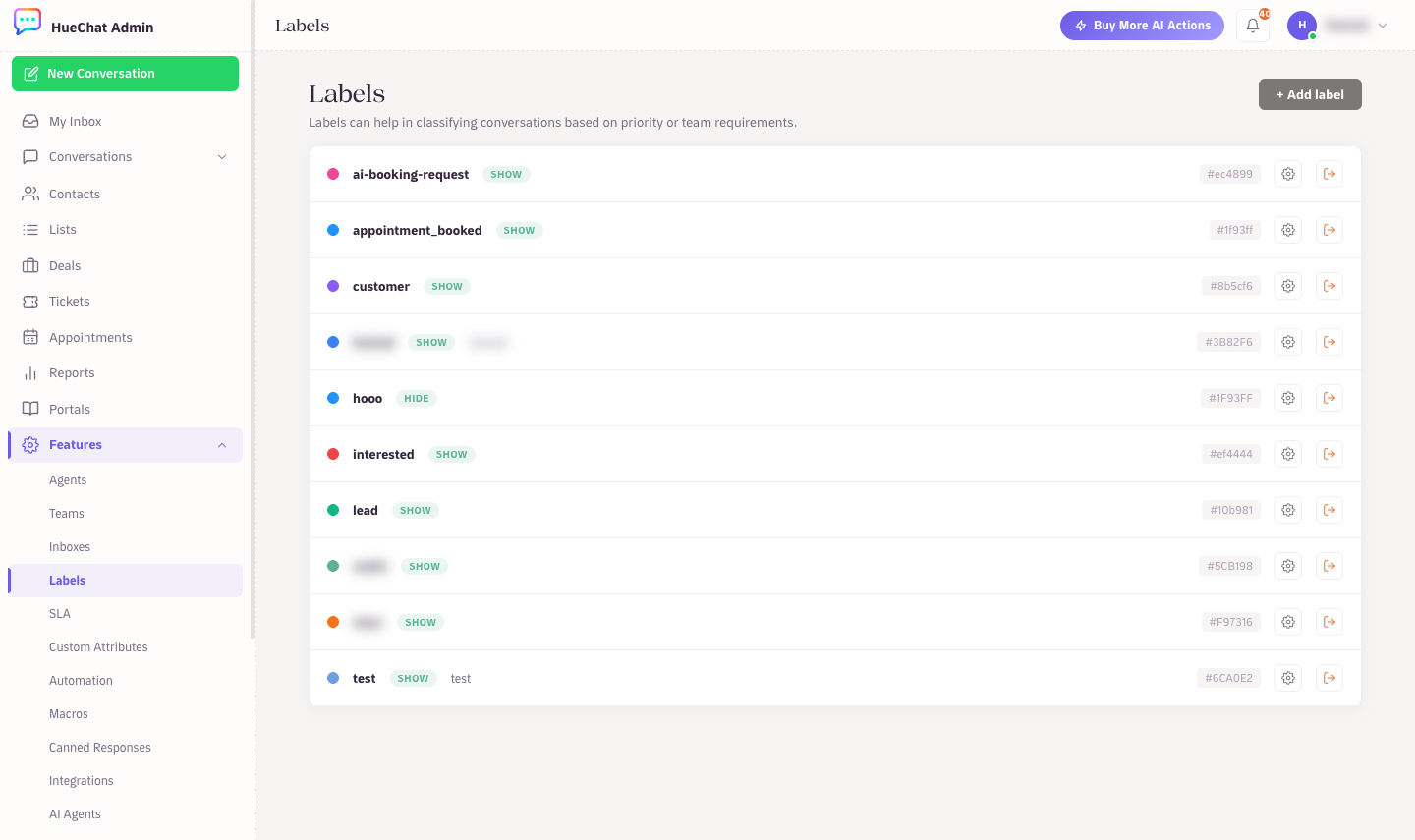
Settings, Labels
¶ Canned responses
A canned response is a saved reply with a short code. Typing the short code in the composer inserts the full text.
¶ Create a canned response
- Open Settings and choose Canned Responses.
- Choose Add Response.
- Enter a short code (for example
shipping) and the reply text, then save.
Keep short codes short and memorable. Your team will type them many times a day.
¶ Insert a canned response with the "/" menu
- Click into the composer.
- Type
/. A menu opens above the composer listing your canned responses. - Keep typing to search, for example
/ship. - Use the up and down arrow keys to move, then press Enter to insert. Press Esc to close the menu without inserting.
The menu shows the short code and a preview of the text. It works in Arabic and English, and it works in both the Reply and Private Note modes of the composer.
Settings, Labels
¶ Tips
- Write one canned response per language so agents can pick the right one for the customer.
- Canned responses are plain text you edit before sending. For WhatsApp messages outside the 24-hour window you need an approved template instead; use Send template in the conversation.
- Macros (in the contact panel) go further than canned responses: a macro can apply labels, change status and assign in one click.