The audience decides who gets your message; the schedule decides when. This article covers both steps of the wizard.
¶ Choose the audience
In the Choose Audience step you have two sources.
¶ By Labels
Pick one or more labels from Contacts. Everyone with at least one of those labels is included once, even if they carry several labels. Labels are the easiest way to keep a reusable list such as "newsletter" or "VIP": add the label to a contact from the contact panel and they are in the next campaign.
¶ CSV upload
- Choose a CSV file. Any column names are accepted.
- Choose the Phone number column.
- Choose the Country for national phone numbers. Local numbers are validated and converted to international (E.164) format.
- Optionally choose a Name column so a name merge field can be personalised, or choose Do not import a name.
- Choose Continue. Recipients are imported when you continue. The receipt shows how many were Imported, how many invalid rows were skipped and how many duplicates were skipped.
If the import fails you stay on the audience step and can retry.
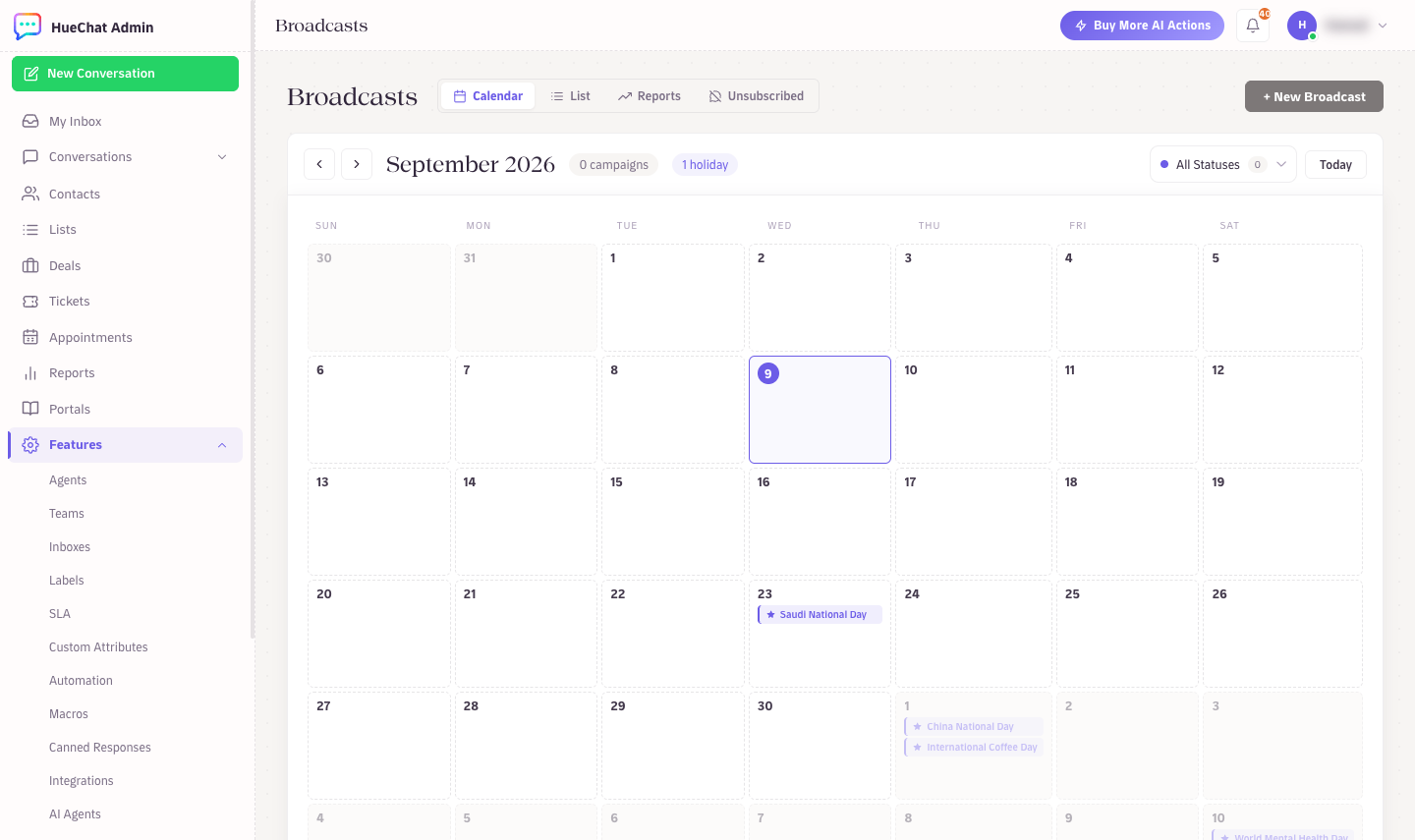
Pick a date on the broadcast calendar
¶ Reachable recipients
After the audience is chosen HueChat calculates Reachable recipients. Excluded automatically:
- Contacts who opted out of WhatsApp marketing, and numbers on your Unsubscribed list.
- Blocked contacts.
- Contacts already broadcast to in the last 24 hours (shown later as Recently messaged).
The count is a current estimate; every recipient is checked again at send time.
¶ Segments
HueChat does not have a separate segment builder inside the wizard today. Build segments with labels (for example apply "Riyadh" and "dental" labels through automation rules or in bulk from Contacts), or filter your list in a spreadsheet and upload the CSV. Exact options may differ by plan.
¶ Schedule
In the Schedule step:
- Send immediately: the broadcast starts after you confirm on Review & Send.
- Pick a date and time: the broadcast shows as Scheduled and starts within a minute of the chosen time, in your account timezone.
You can edit or delete a scheduled broadcast until it starts. A scheduled broadcast that could not start within about an hour of its time is not sent late; it is marked failed with the reason, so you can reschedule deliberately.
¶ The Broadcasts calendar
The Calendar view shows your campaigns alongside global marketing moments, GCC national days and Saudi religious holidays. Click a day and choose Create a broadcast for this date to plan around it. Dates confirmed by the Saudi official calendar carry a check mark; lunar dates that are still estimates show an approximation marker until the official announcement.
The calendar also shows the Next batch of a broadcast that is waiting for WhatsApp messaging capacity.
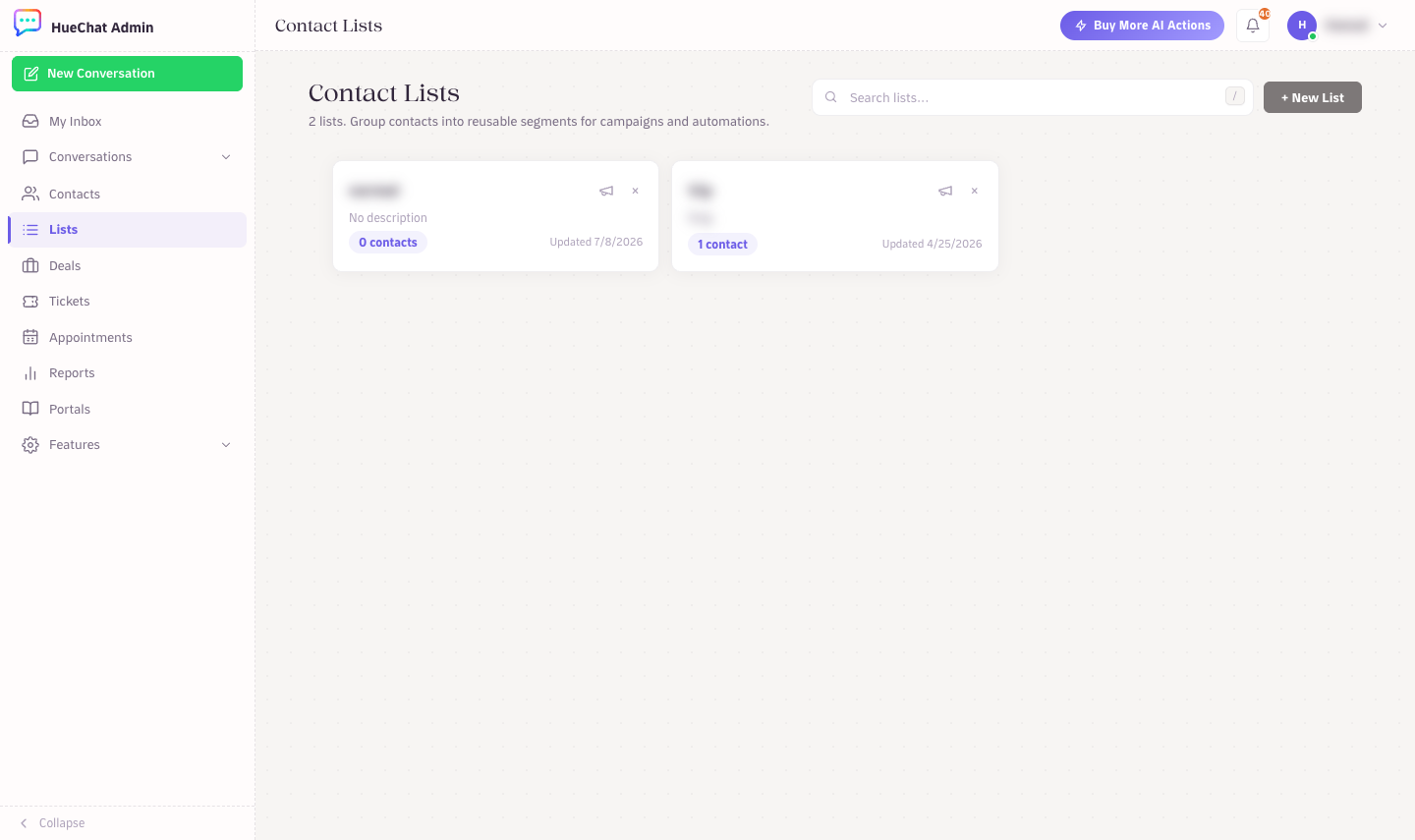
Contact Lists: reusable audiences for broadcasts