After this article you will know what each provider asks for and how to paste it into HueChat so conversations arrive in the Team Inbox.
These three channels work differently from WhatsApp, Instagram and Messenger. Instead of a Meta login window, you create a bot or a number with the provider, copy a token or key, and give it to HueChat. HueChat stores every token encrypted and verifies each incoming webhook with the provider's own signature method. All three need a plan that includes all channels (Starter and above). Exact options may differ by plan.
¶ Telegram
- In Telegram, open a chat with BotFather and create a new bot. Give it a name and a username. BotFather replies with a bot token.
- Sign in to app.huechat.ai as an administrator, open Settings, choose Channels and add a Telegram inbox.
- Paste the bot token and save. HueChat registers a webhook with Telegram and protects it with a secret token.
- Name the inbox and choose the agents who work in it.
- Send a message to your bot from Telegram. It appears in the inbox.
Customers reach you by messaging the bot username. Put the bot link on your website or in your Telegram channel.
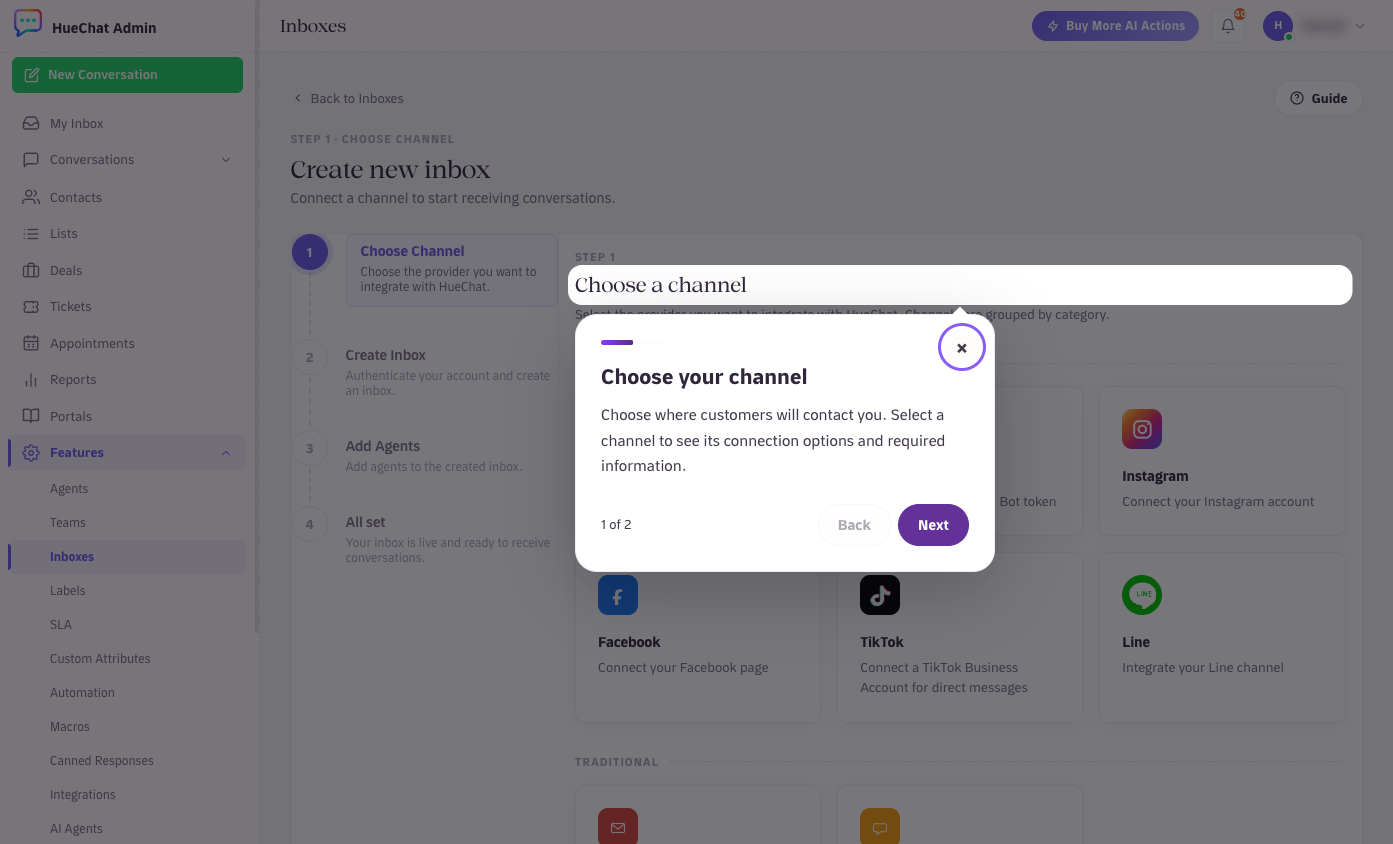
The channel picker lists Telegram, LINE and Twilio
¶ LINE
- In the LINE Developers console, create a provider and a Messaging API channel for your official account.
- Copy the channel ID, channel secret and a channel access token.
- In HueChat, add a LINE inbox and paste those values. Save.
- HueChat shows a webhook URL. Paste it into the Messaging API settings of your LINE channel and turn the webhook on.
- Name the inbox and choose the agents. Send a test message from the LINE app to confirm.
¶ Twilio (SMS)
- In the Twilio console, buy or choose a phone number that supports SMS.
- Copy your Account SID and Auth Token from the console.
- In HueChat, add a Twilio inbox, choose SMS, paste the Account SID, Auth Token and phone number, then save.
- HueChat shows a webhook URL. Set it as the messaging webhook for that number in Twilio.
- Name the inbox, choose the agents and text the number from your phone to confirm.
Twilio charges per message according to its own pricing. HueChat does not add a markup.
¶ Working with these channels
- Conversations, assignment, labels, canned responses, AI Agents and Analytics work the same as on every other channel.
- SMS has no rich media or buttons. Keep replies to plain text.
- If a token is rotated or revoked at the provider, messages stop. Update the token in the inbox settings.
If the provider shows an error you cannot resolve, email support@huechat.ai with the provider name and the exact message.