After this article, Instagram direct messages to your professional account will arrive in HueChat, and your team can reply from the Team Inbox.
¶ What you need
- An Instagram professional account (Business or Creator). Personal accounts cannot connect.
- A Facebook Page linked to that Instagram account. Meta requires the link for messaging access.
- A Facebook account with admin access to the Page.
- A HueChat plan that includes all channels (Starter and above).
¶ Turn on message access in Instagram
- In the Instagram app, open your profile, then Settings.
- Open the messages and story replies section.
- Make sure connected tools are allowed to access messages. Without this, HueChat can connect but no messages arrive.
¶ Connect in HueChat
- Sign in to app.huechat.ai as an administrator.
- Open Settings, choose Channels and add a new Instagram inbox.
- Choose to continue with Facebook. Sign in and pick the Facebook Page linked to your Instagram account.
- Allow all permissions requested. Each one maps to a feature: messages, comments, story mentions and profile details. Declining a permission disables that feature.
- Select the Instagram account and finish.
- Name the inbox and choose the agents who work in it.
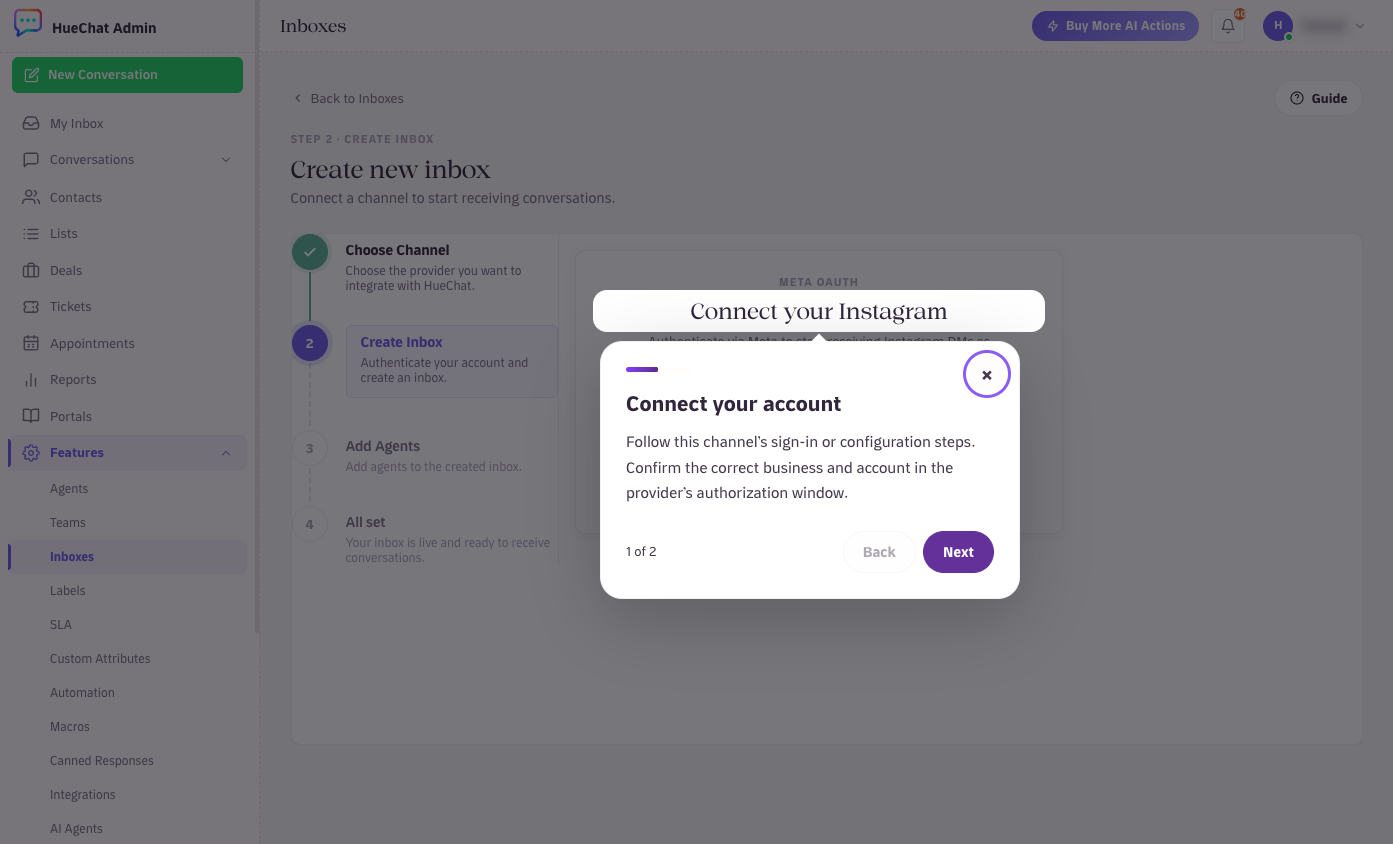
Connect your Instagram through Meta OAuth
¶ What arrives in the inbox
- Direct messages, including images, videos, voice notes and shared posts. Reels shared by customers show a preview.
- Story mentions: when a customer mentions you in a story, HueChat notifies you and you can reply from the inbox.
- Comment replies: with automation, HueChat can respond to post and ad comments with a private message and turn engagement into a conversation.
Instagram and Messenger can live in the same view, so one team sees both without switching apps.
¶ Reply rules
Instagram lets a business reply to a customer for 24 hours after the customer's last message. After that, you cannot send new messages until the customer writes again. There are no paid templates on Instagram. AI Agents follow the same rule.
¶ Common problems
- Contact shows as Unknown: the connection used a short-lived token. Disconnect and reconnect the inbox so HueChat receives a long-lived token.
- No messages arriving: check the Instagram setting for connected tools, and confirm the Page is linked to the correct Instagram account.
- Reconnect after changing your password: Meta invalidates the token when you change your Facebook password or remove HueChat from your Facebook business integrations. Reconnect the inbox.
If you cannot connect, email support@huechat.ai with your Instagram handle.