Click-to-WhatsApp ads on Facebook and Instagram open a chat with your WhatsApp Business number. When a customer taps the ad and sends a message, the conversation arrives in your Team Inbox with the ad details attached.
¶ What you need
- A WhatsApp Business API inbox connected to HueChat (Meta Cloud API).
- A Meta ad account with a Click-to-WhatsApp campaign that points to the same phone number.
- Optional: the Meta Ads connection in the Ads workspace. It lets HueChat resolve the campaign, ad set and ad names for each click.
¶ How the message lands
- The customer taps the ad and sends the first message.
- Meta delivers the message to your WhatsApp inbox with a referral block: the ad headline, body text, source URL, source ID and a click ID.
- HueChat creates the contact, or matches an existing one by phone number, and opens a conversation in the WhatsApp inbox.
- The conversation is marked with the ad source. When Meta Ads is connected, HueChat looks up the click ID and stores the campaign, ad set and ad names as well.
- A lead record is created in the Ads workspace for the conversation, so it counts in the ROI Dashboard and in Insights.
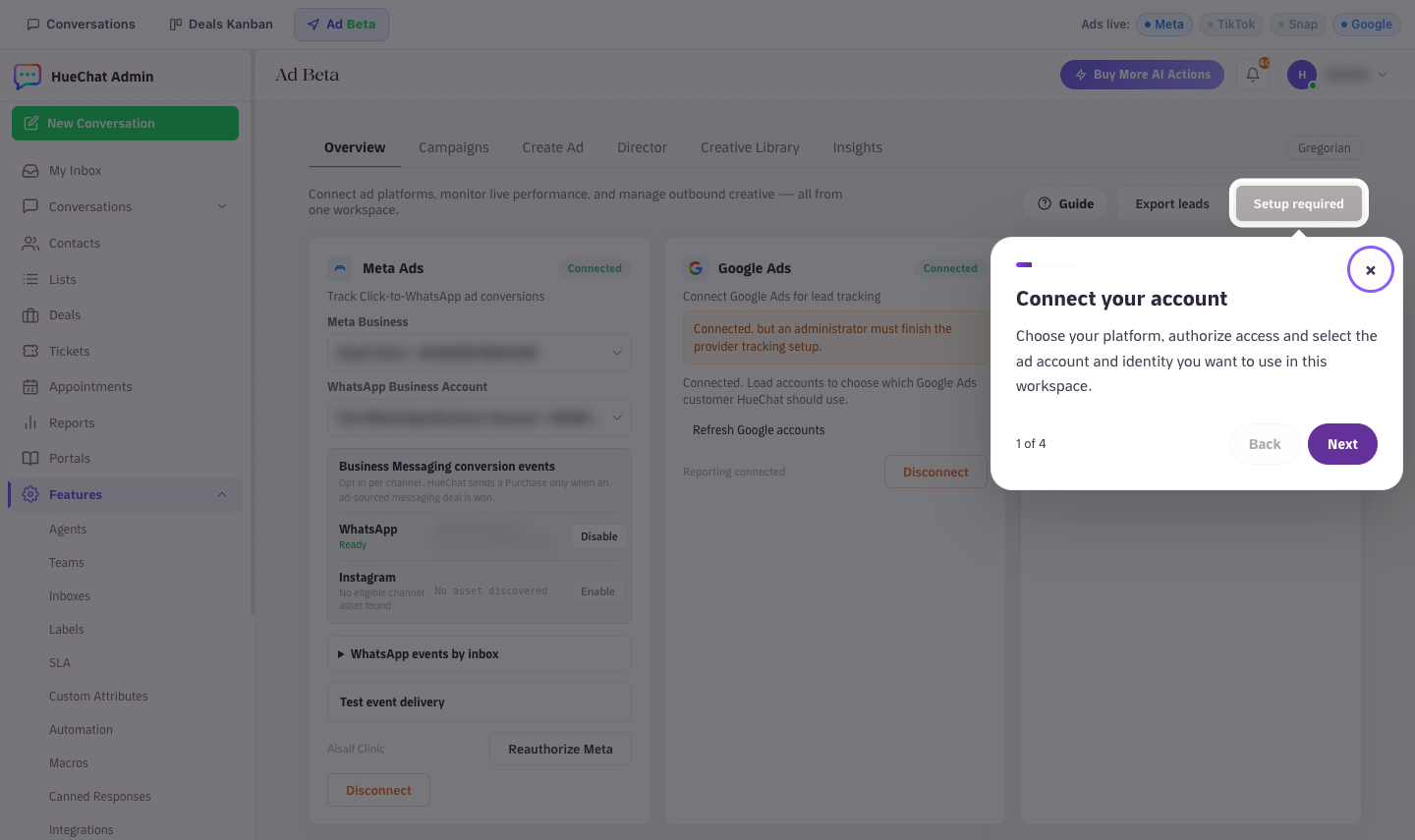
Ad Beta overview: connected ad platforms and Meta Business
¶ What agents see
A banner at the top of the conversation shows the ad headline, the ad or campaign name and the source ID, so the agent knows what the customer was looking at. The contact panel works as usual: assign an agent, add labels, create a Ticket or a Deal, or hand the conversation to an AI Agent.
¶ The 72-hour window
Messages that come through Click-to-WhatsApp ads or Facebook Page call-to-action buttons are free entry points. When you reply within 24 hours, the service window extends to 72 hours instead of the standard 24, so you can keep chatting without template messages during that time.
¶ Tips
- Add a pre-filled message in the ad so every conversation starts with context, for example the product name.
- Assign an AI Agent to the WhatsApp inbox to answer the first questions instantly and collect details.
- Add a label such as
salesto these conversations so they show up in Label Reports. - Mark the resulting Deal as won so the Conversion Feedback card can report the outcome back to Meta.