HueChat joins the delivery numbers reported by each ad platform with what actually happened in your inbox: leads, won deals and revenue. Two places show this: the ROI Dashboard on the Ads overview and the Insights tab.
¶ ROI Dashboard (Ads overview)
The ROI Dashboard card uses the leads and deals captured in HueChat:
- Ad Leads, with how many were processed.
- Deals Created and the lead-to-deal rate.
- Won Deals and the win rate.
- Won Revenue, with the spend tracked from connected platforms.
- Best campaign and Top Campaigns, with tables for Campaign ROI, Platform ROI, Ad ROI and Lead Form ROI.
Until you connect a platform's reporting, the card shows "Spend not connected yet".
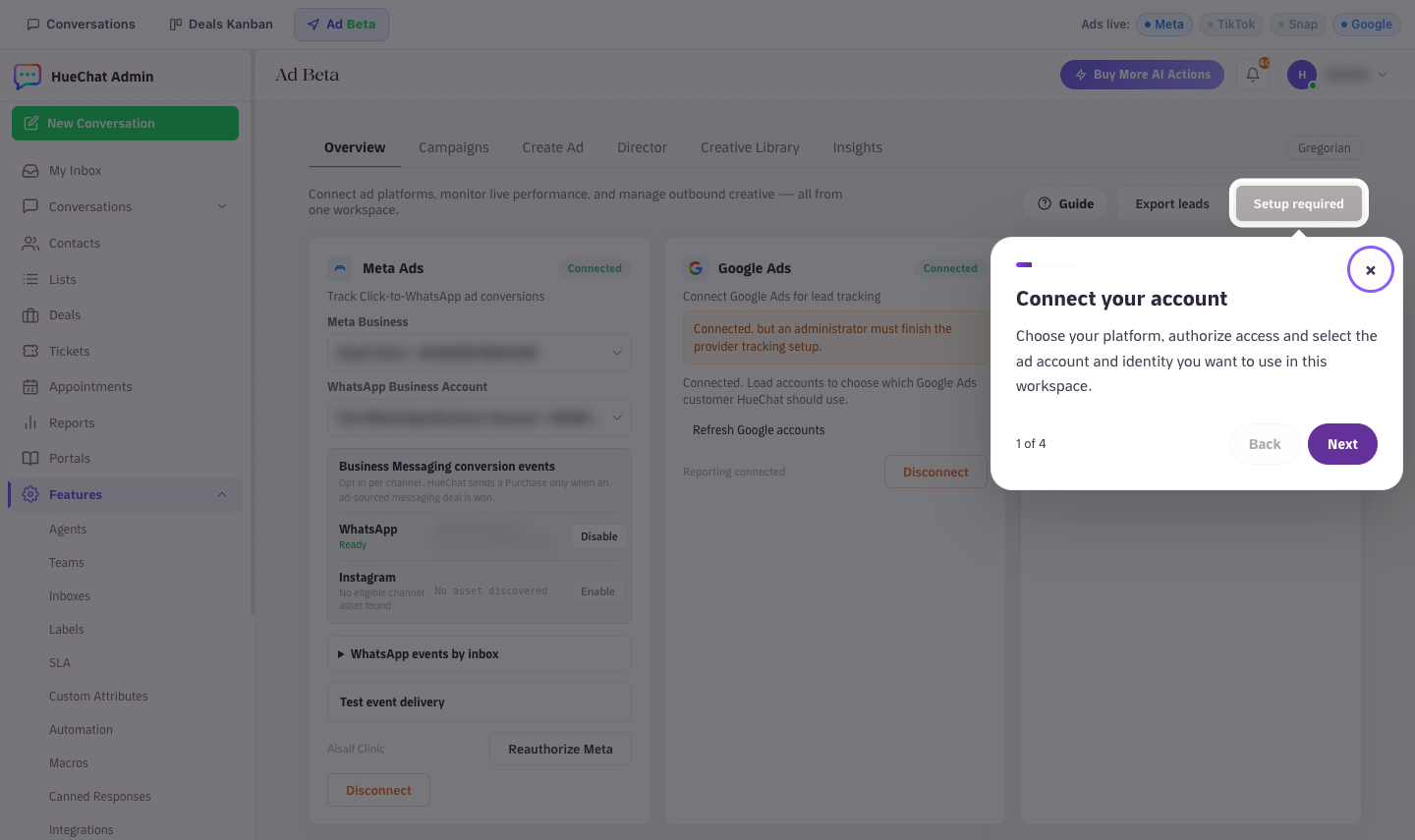
Insights and live performance on the Ad Beta page
¶ Insights tab
Open the Ads workspace and choose Insights. Pick a date range and, if needed, a platform or account. The report has three sections:
- Official platform report: Impressions, Clicks or swipe-ups, CTR, Cost per interaction, Cost per 1,000 impressions, Landing-page clicks, Platform leads, Qualified platform leads and Platform conversion value, as reported by each platform. Definitions vary by provider, and Snapchat reports swipe-ups instead of clicks.
- HueChat CRM outcomes: HueChat leads, won deals and revenue recorded in HueChat. These are not platform-reported conversions.
- Cross-source efficiency: Cost per HueChat lead (spend divided by captured leads), HueChat lead to won, Cost per won deal and ROAS (won revenue divided by platform spend).
Spend is normalised to SAR. Rows in currencies that cannot be converted are excluded and counted in an "unconverted" note rather than guessed.
Below the KPIs you get a daily spend chart, a By platform table and a campaign table with paging. Choose Export all campaigns to download every campaign in the date range, not only the visible page.
Reporting updates daily. Paused ads may have no delivery data.
Insights and live performance on the Ad Beta page
¶ Which conversations came from ads
- Click-to-WhatsApp conversations show an attribution banner with the ad headline and campaign.
- Every ad lead is listed under Recent ad leads and can be downloaded with Export leads (platform, campaign, ad set, ad, lead form, status, source and timestamps).
- Label ad conversations to follow them in Label Reports under Analytics.
¶ Sending outcomes back to platforms
The Conversion Feedback card shows deal outcome events sent back to ad platforms and whether the platform accepted them. For Meta Business Messaging, you opt in per channel; HueChat sends a Purchase event only when an ad-sourced messaging deal is marked won.
Exact options may differ by plan.