Broadcast reports tell you what actually happened after you pressed Send. This article explains each number so you do not misread it.
¶ Where to look
- Broadcasts list: each row shows the status (Draft, Scheduled, Sending, Paused, Completed, Cancelled or Failed) with counts.
- Reports tab: delivery, read receipts and direct replies across campaigns, plus Messages Over Time and Recent Broadcasts.
- Outcomes on a campaign: the per-recipient table with Filter recipients by status and Refresh.
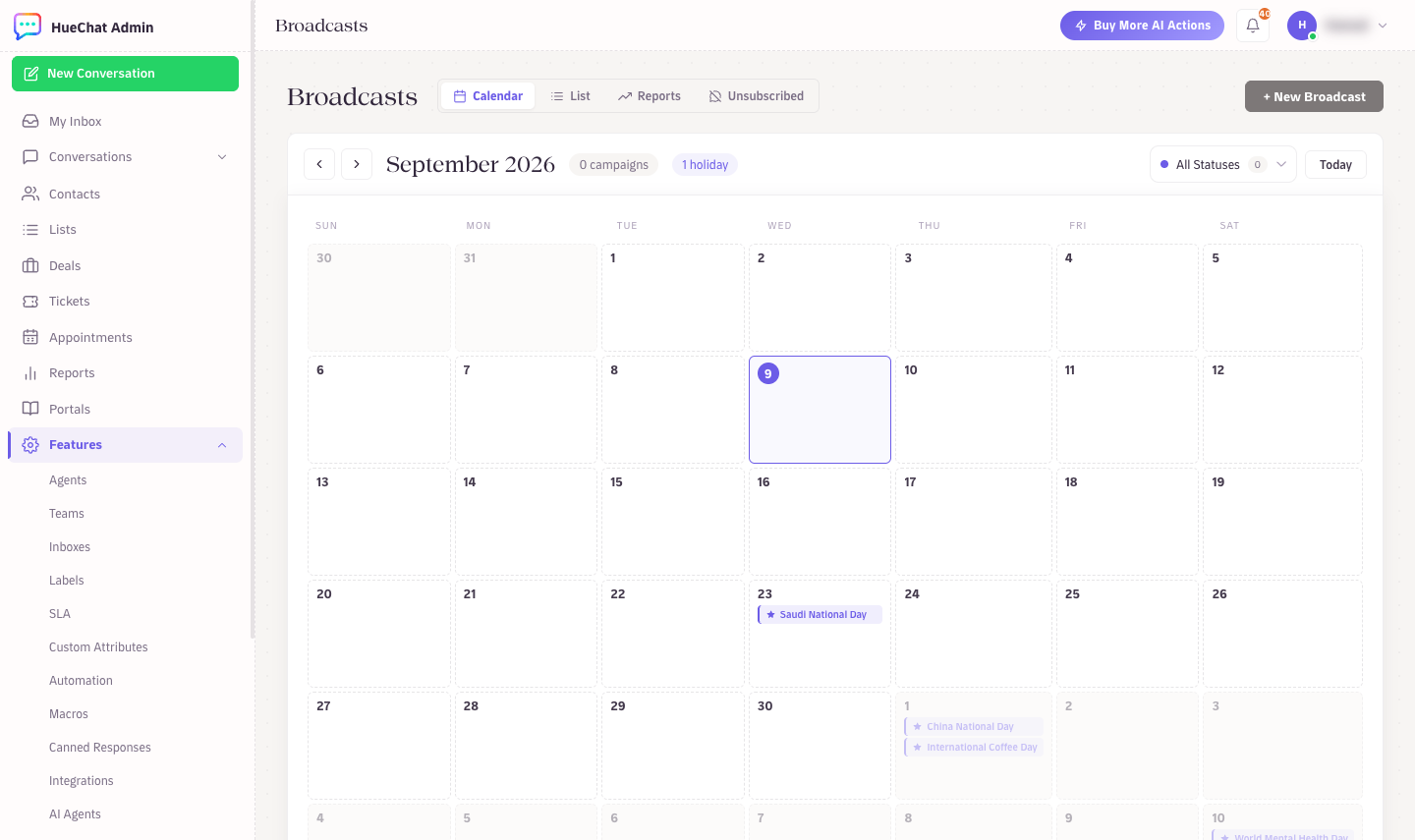
The Reports tab on the Broadcasts page
¶ Campaign status versus delivery
Completed means HueChat finished executing the campaign: every recipient was attempted or skipped. It does not mean everyone received the message. Delivery receipts can keep arriving after completion, so counts still change for a while.
¶ Recipient statuses
Each recipient appears in exactly one group:
- Pending: not attempted yet, usually waiting for the next capacity window.
- Queued: claimed by the sender and about to go out.
- Sent: accepted by WhatsApp but not yet delivered to the phone.
- Delivered: reached the phone.
- Read: opened by the recipient. Read recipients have also been delivered.
- Failed: WhatsApp rejected it. The outcome detail shows the reason (for example number not on WhatsApp, or error 131049 frequency cap when Meta reports it as a delivery failure).
- Skipped: not sent on purpose. The reason is one of Opted out, Frequency capped, Recently messaged, Excluded or Not sent (stopped).
Because these groups are exclusive, add Delivered and Read together to get confirmed deliveries. The summary cards count cumulatively: a recipient counted as Sent stays counted there even after a later delivery failure, and Delivered includes those later marked Read.
¶ Replies
Replied 24h and Replied 7d count direct replies and reactions that WhatsApp links to the broadcast message itself (the customer replied to it or reacted to it). An ordinary message the customer sends later, without quoting the broadcast, is not attributed, even if the campaign prompted it. Treat these as a lower bound, and read the actual conversations in the Team Inbox for the full picture. All replies land in the inbox as normal conversations.
¶ Inspect one recipient
- Open the campaign and choose Open recipient outcomes.
- Filter by status, for example Failed.
- Open a row to see Outcome detail: attempts, the last event time, the reason, and under Technical details the Meta message ID for support tickets with Meta.
If a merge field had no data for a recipient, the name column shows "Name not provided".
¶ Waiting for capacity
If the audience exceeded the number's 24-hour tier, the report shows Next capacity expected and the remaining audience. Sending resumes automatically as the rolling limit becomes available; you do not need to resume manually. A manual pause or stop does not create a continuation.
¶ Exporting
Use the outcomes table to review campaigns; for ongoing analysis, the public API in the Developer Hub (developers.huechat.ai) exposes broadcast data on plans with API access. Exact options may differ by plan.