This article explains how to get a copy of your HueChat data, how to close your account, and what happens to your information afterwards.
¶ Export your data
Everyday exports are available inside the product:
- Contacts: export the contact list from the Contacts section.
- Analytics: download reports from Analytics.
- Developer Hub: everything an administrator can see in the dashboard is available over the public API at developers.huechat.ai, so you can pull conversations, messages and contacts with a scoped API key.
A full-account export, covering all conversations, attachments and configuration, is prepared by the HueChat team on request:
- Sign in as an administrator.
- Open the account or privacy settings and submit a data-access request, or email support@huechat.ai from the administrator's address.
- Confirm the request from the email HueChat sends.
- Support confirms the scope, format and timing in writing and delivers the export securely.
Exact options may differ by plan.
¶ Delete your account
Before you start:
- Export anything you need. Deleted data cannot be recovered.
- Cancel your subscription and settle any open invoice.
- Disconnect WhatsApp if you plan to move the number to another provider, and remove HueChat from your Meta business integrations.
- Tell your team. Deleting the account removes access for everyone.
To request deletion:
- Sign in as an administrator.
- Open the account or privacy settings and choose to delete the account.
- Confirm from the email HueChat sends to your address. The request is not active until you confirm.
- A three-day grace period starts. You can cancel the request during this time by signing in and withdrawing it.
- After the grace period, the HueChat team removes your data from active systems and confirms by email.
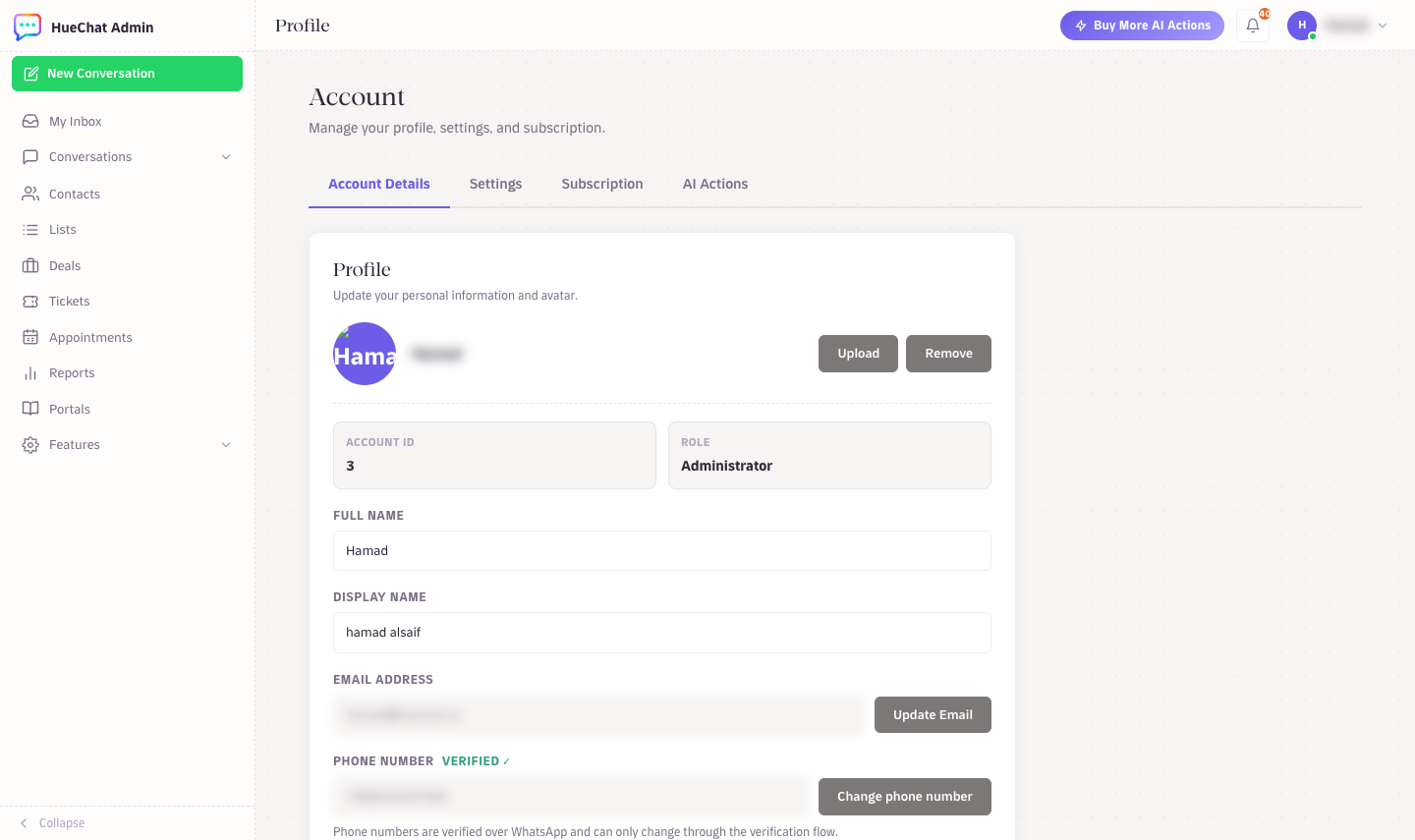
Account Details on your profile
¶ What is deleted and what is kept
- Account, profile, conversation, contact, ticket, lead, attachment and AI configuration data are removed from active systems.
- Channel credentials and OAuth tokens are revoked and disabled.
- Billing, tax, dispute, fraud, security and audit records are kept for the legally required period, then deleted or anonymised.
- Backup copies expire on a controlled schedule and are not restored into ordinary use after deletion.
- If a legal hold applies to the account, deletion waits until the hold ends, and support tells you.
Full-account deletion is completed by the HueChat team rather than automatically, so support confirms the scope and timing in writing.
¶ Individual customer requests
If one of your customers asks you to delete or export their data, you can delete the contact and its conversations from Contacts, or export the contact record. HueChat processes customer data on your instructions. Requests about your own data with HueChat, under the GDPR or the Saudi Personal Data Protection Law, can also be submitted through the data-rights form on the Trust Center at trust.huechat.ai. HueChat aims to respond within 30 days of a complete, verified request.
¶ Questions
Email support@huechat.ai. For requests about a specific data-rights matter, use the Trust Center form so the request is verified and tracked.